People come first.
Organise people with photos, favourites and categories.
Aniversa
Birthdays, name days and other celebrations. Aniversa helps you keep the people who matter in mind.
Discover Aniversa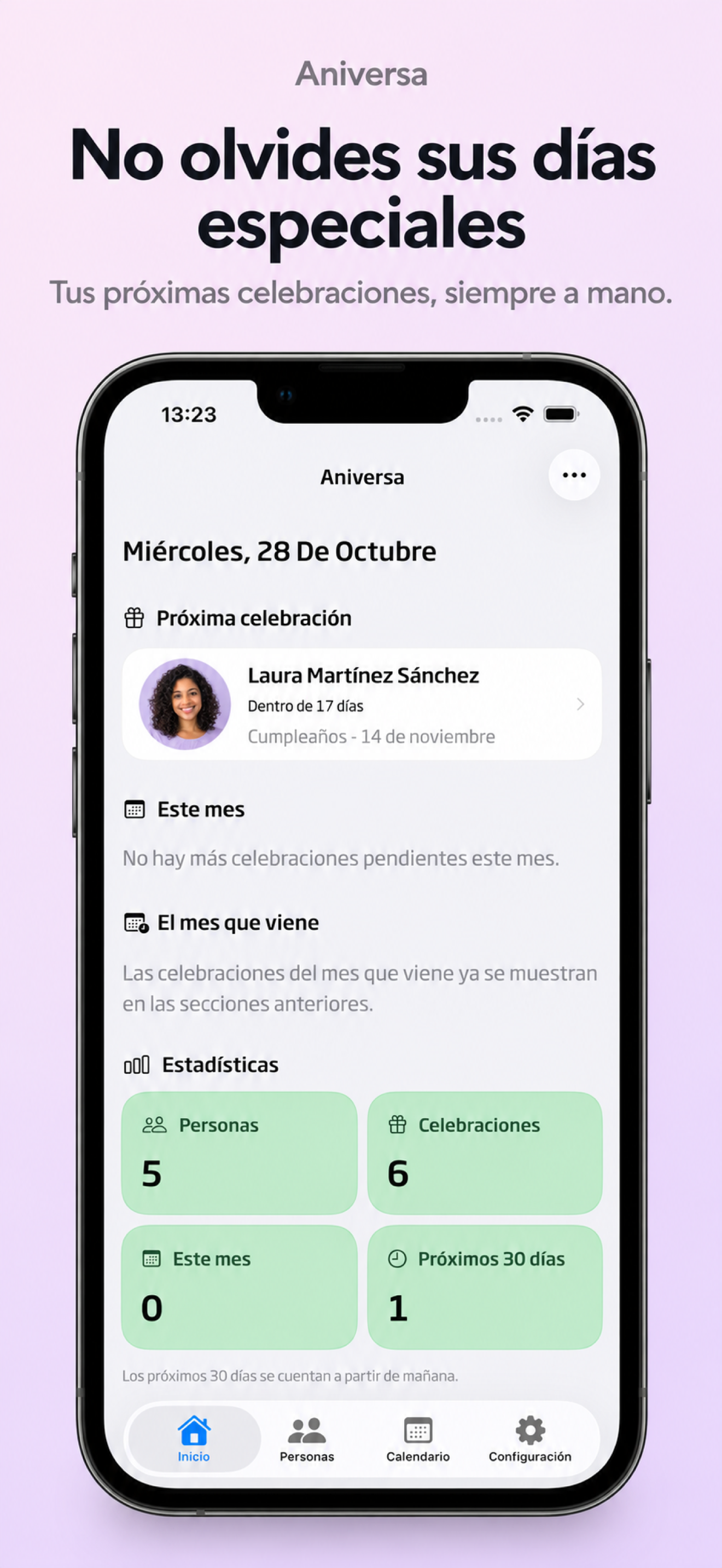
Organise people with photos, favourites and categories.
See upcoming celebrations and find every date in the calendar.
Set reminders for the celebrations you want to keep in mind.
Aniversa brings people and their celebrations together. From the next special day to the memories you want to keep.
Add a photo, notes and linked celebrations. Mark favourites and organise people into categories to find them easily.
Keep birthdays, name days, weddings and remembrance dates together. See a person’s celebrations without looking in different places.
Import people from Contacts or link a contact to an existing profile. Access depends on the permissions you grant in iOS.
Home highlights the next celebration and upcoming dates. Explore the month in the calendar and check each day’s details.
The free version includes same-day alerts. Pro lets you set advance reminders, giving you time to prepare a message or a gift.
Sync through iCloud when available. Pro also lets you export and restore backups and view celebrations in widgets.
App screenshots shown in Spanish.
See the next celebration and upcoming dates from the home screen.
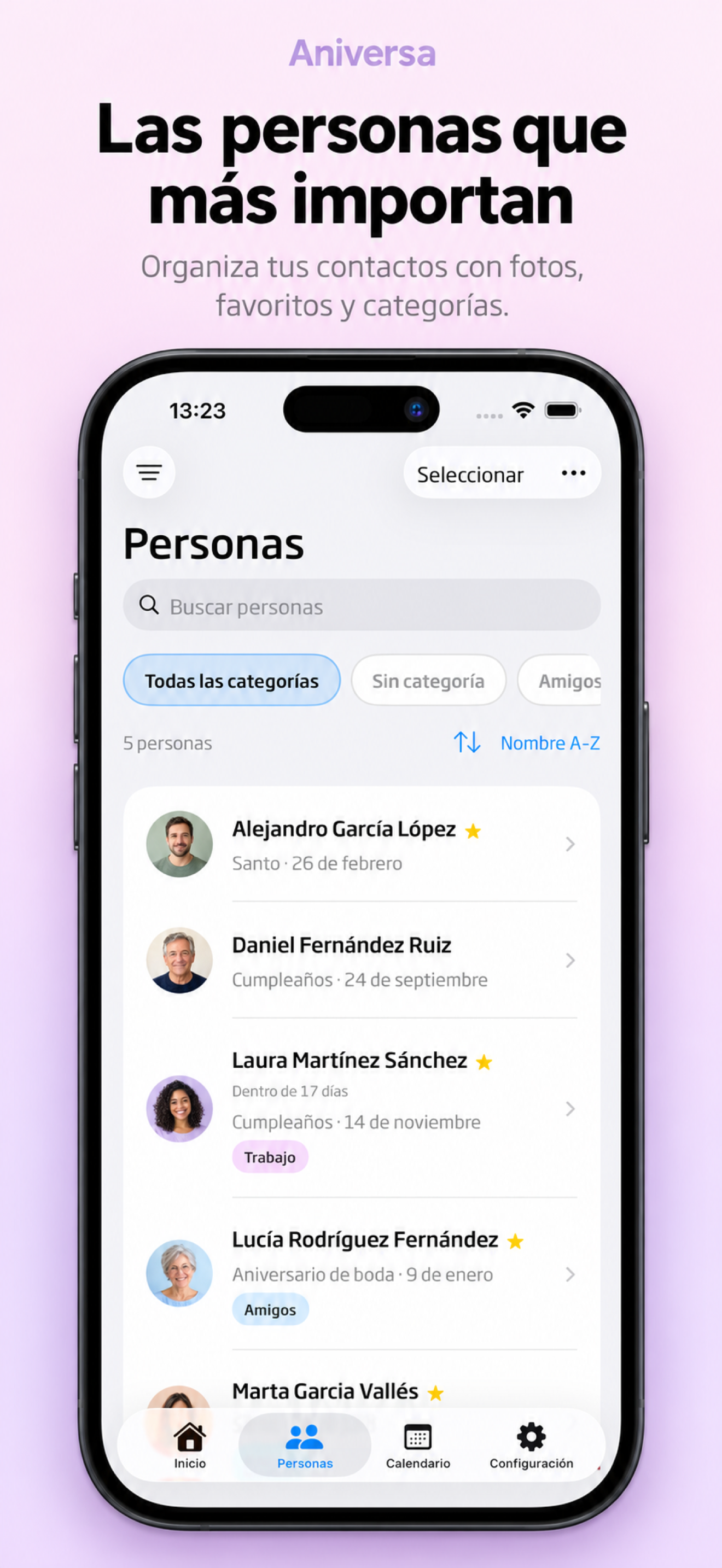
Organise people with photos, favourites and categories to find them easily.
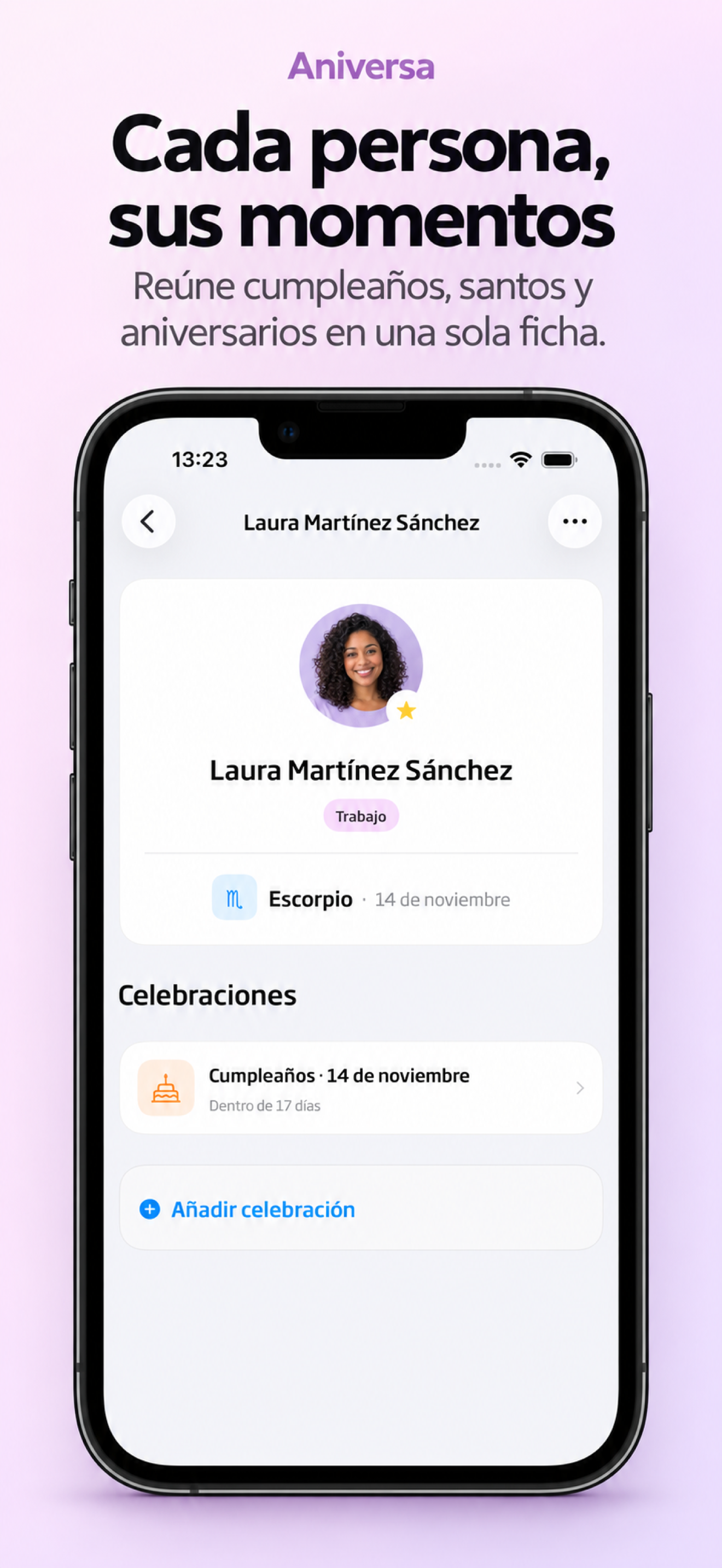
Keep details, notes and linked celebrations together in one profile.
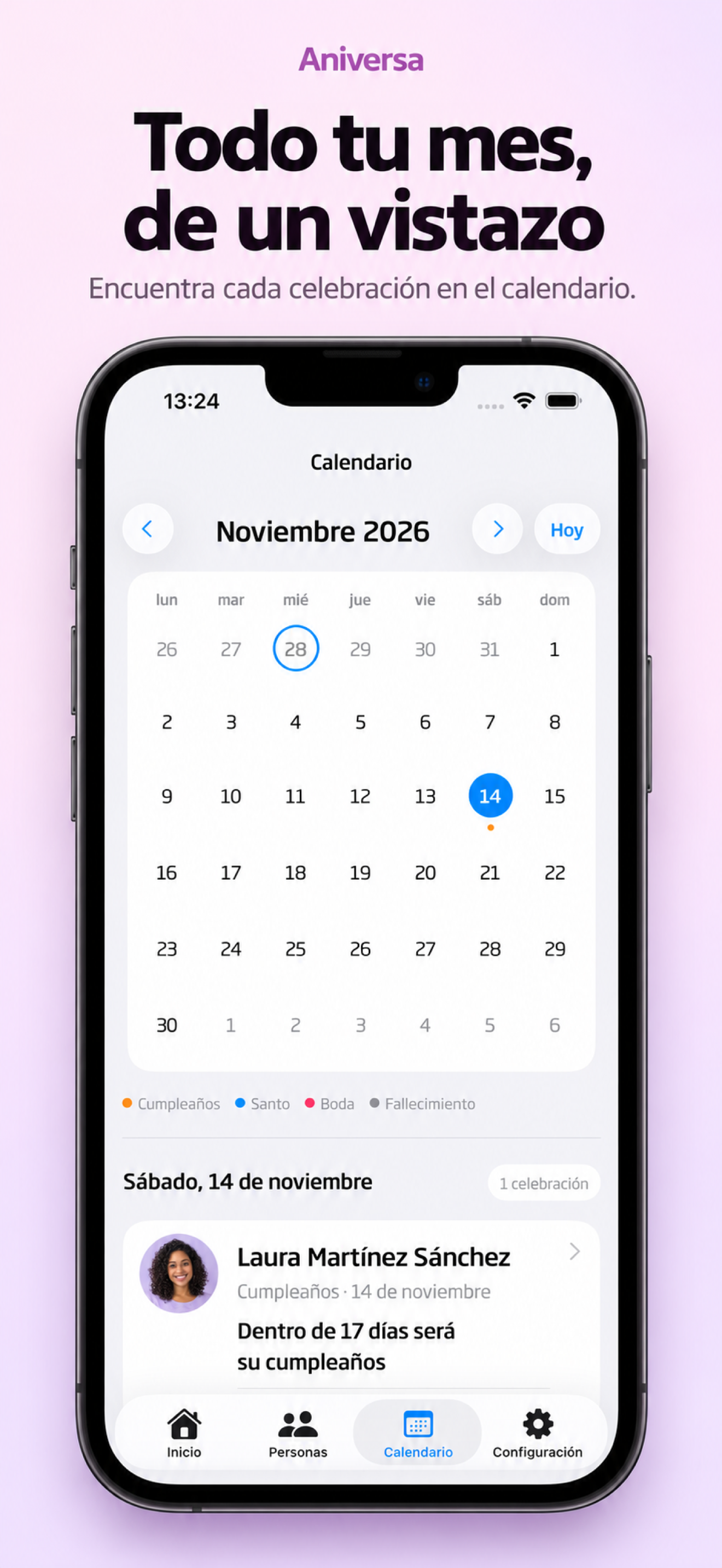
Explore the calendar and check each day’s celebrations.
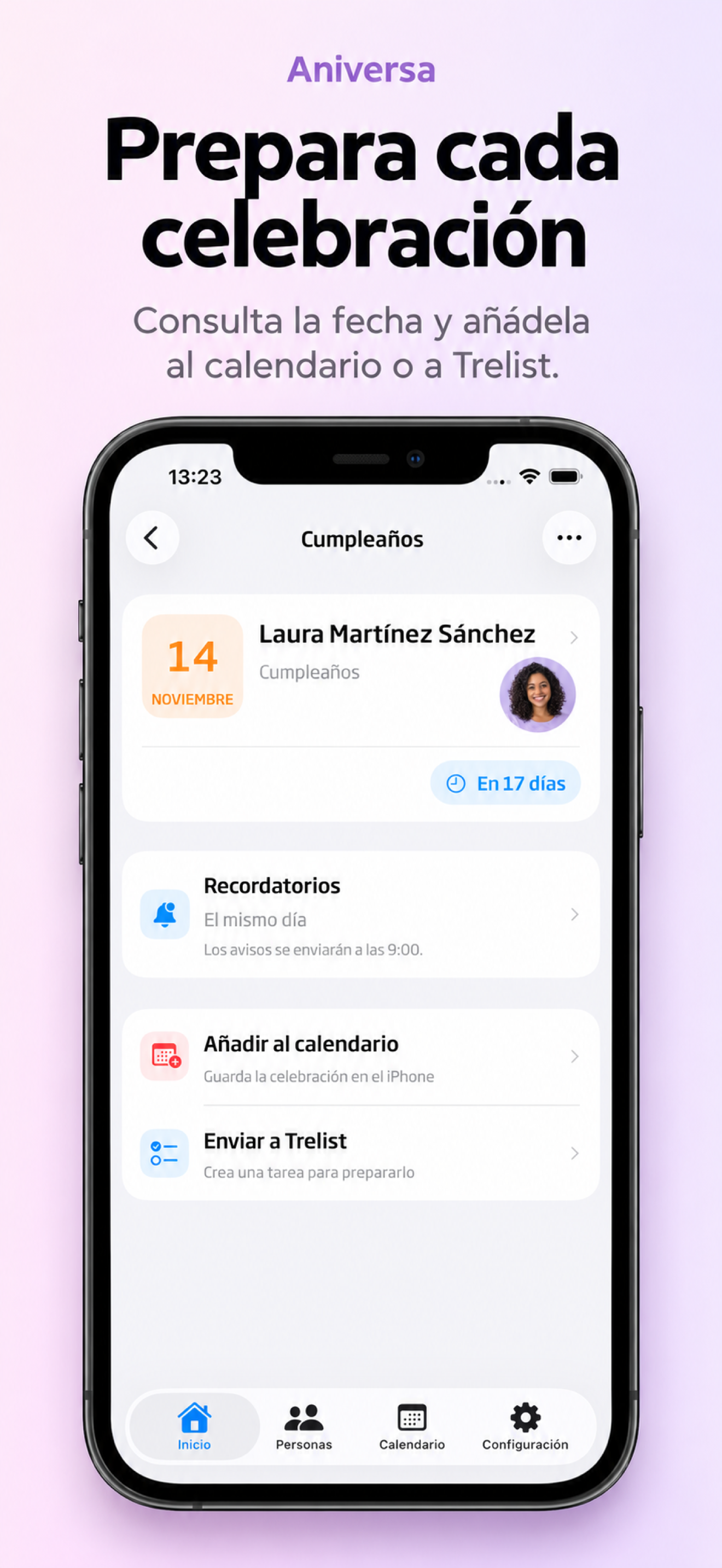
Review the date and details of each celebration in context.
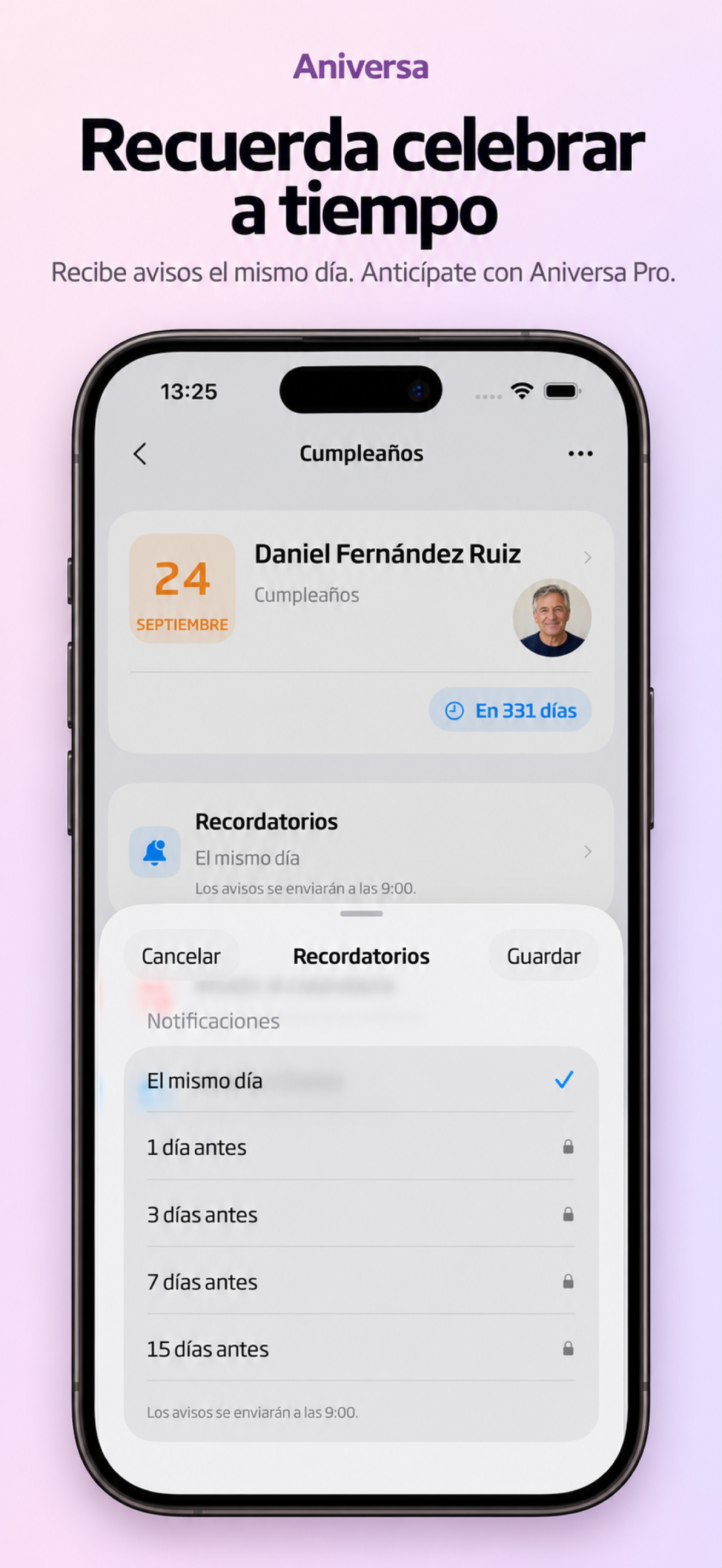
Set the alerts included in your plan; Pro also adds advance reminders.
Scroll to discover all the screens
Create a profile or import a contact.
Add the celebration and check its details.
Choose available alerts and see what’s coming.
Aniversa Pro
Start for free. Unlock Aniversa Pro when you need more.
One-time purchase. No subscription.
See the current price on the app’s purchase screen.
Already have Pro? Restore your purchase in the app using the same Apple account.
Imported people also count towards the 10-person limit. Deleting people does not reset imports used on the device. Linking a contact to an existing person does not use an import.
No. Aniversa Pro is a one-time purchase. The current price appears in the app before confirmation.
Yes. Add up to 10 people including your profile, create 2 categories and import 5 unique people from Contacts in total. Free alerts are sent on the same day.
iCloud keeps data across compatible devices using the same Apple account when configured and available.
You can edit and delete people and celebrations in the app. Read the privacy policy for details about storage, permissions and backups.